


.png)


ACCOUNT SECURITY
Log in to change your password.
Deposit or Transfer only to the accounts below
 Bank: CAIXA - 104
 Bank: INTER - 077
PIX CNPJ 60.095.119/0001-17

Warning!
You must be logged in to report a payment!
Please log in or register.
If you have any questions, contact us!
You must be logged in to report a payment!
Please log in or register.
If you have any questions, contact us!
PIX CNPJ 60.095.119/0001-17
Aviso!
You must be logged in to report a payment!
Please log in or register.
If you have any questions, contact us!
You must be logged in to report a payment!
Please log in or register.
If you have any questions, contact us!

- Inclusion: 03/08/2023 16:01:00 Exclusive Subscriber Tested PDF Downloaded:17Size:3MB
-
-
🔑 File Password Protection: Please log in as subscriber to view password!JBLFLIP4BLK , JBLFLIP4GRY, JBLFLIP4RED, JBLFLIP4BLU, JBLFLIP4TEL, JBLFLIP4WHT
JBLFLIP4BLKAM, JBLFLIP4GRYAM, JBLFLIP4REDAM, JBLFLIP4BLUAM, JBLFLIP4TELAM, JBLFLIP4WHTAM


USAGE TUTORIAL AND GENERAL INFO
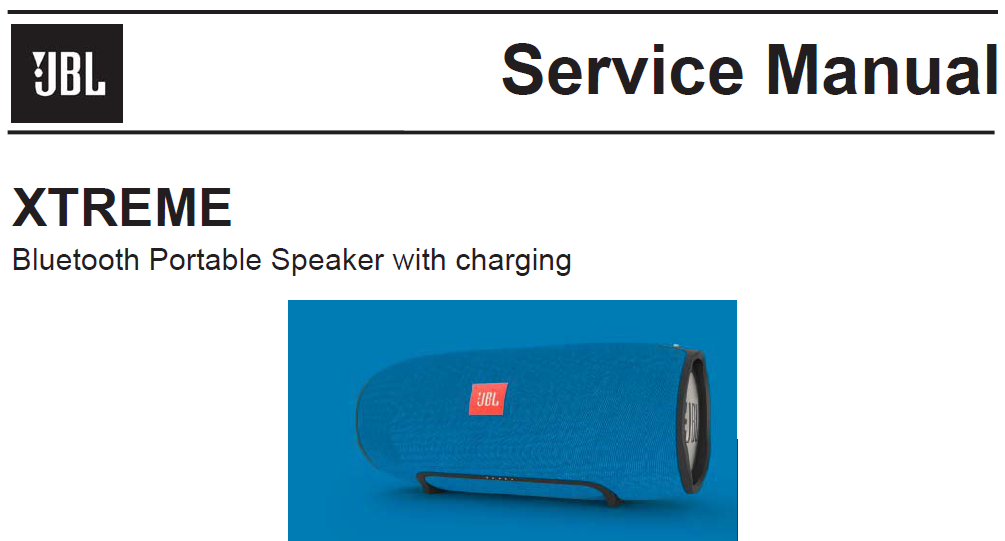
Service Manual
JBL XTREME
Notas de serviço
Indicador de ação de padrão de botão
Volume + e Bluetooth Pressione e segure > 10s Entre no modo HID DFU no modo Power On.
Volume + e Telefone Pressione e segure > 2s Redefinir para o padrão de fábrica no Modo Ligado.
Volume - e Bluetooth Pressione e segure > 10s Entre no modo bypass no modo Power On.
Volume - e telefone Pressione e segure > 10s Entre no modo DFU normal no modo Power On.
Volume - & Link Pressione e segure > 2s Mostrar a versão do SW no modo Power On.
Volume + e Link Pressione e segure > 10s Entre no modo Demo no modo Power On.
Volume - e Volume + e Telefone Pressione rapidamente HW Reset.
